localskills.sh is a platform for creating, sharing, and installing reusable agent skills and rules for AI coding tools. Publish a skill once and install it into Cursor, Claude Code, Codex CLI, Windsurf, Cline, GitHub Copilot, OpenCode, or Aider; the CLI writes each tool’s native format.
1. Install the CLI
Install the localskills CLI globally via npm:
npm i -g @localskills/cliOr use pnpm, yarn, or bun:
pnpm add -g @localskills/cli
yarn global add @localskills/cli
bun add -g @localskills/cli
Verify the installation:
localskills --version2. Authenticate
Running localskills login starts a browser device-code flow. The CLI shows a
verification code, opens your browser, and waits for approval:
localskills loginYour token is stored in ~/.localskills/config.json. For headless environments
(CI servers, containers, SSH sessions), create an API token in the dashboard
and pass it directly:
localskills login --token lsk_your_token_hereVerify your identity at any time:
localskills whoami3. Install your first skill
Install a skill by slug. The CLI walks you through platform selection, scope (global or project), and install method:
localskills install my-skillSkip the prompts by passing flags directly:
localskills install my-skill -t cursor,claude --project --symlinkRun localskills install without a slug to browse available skills
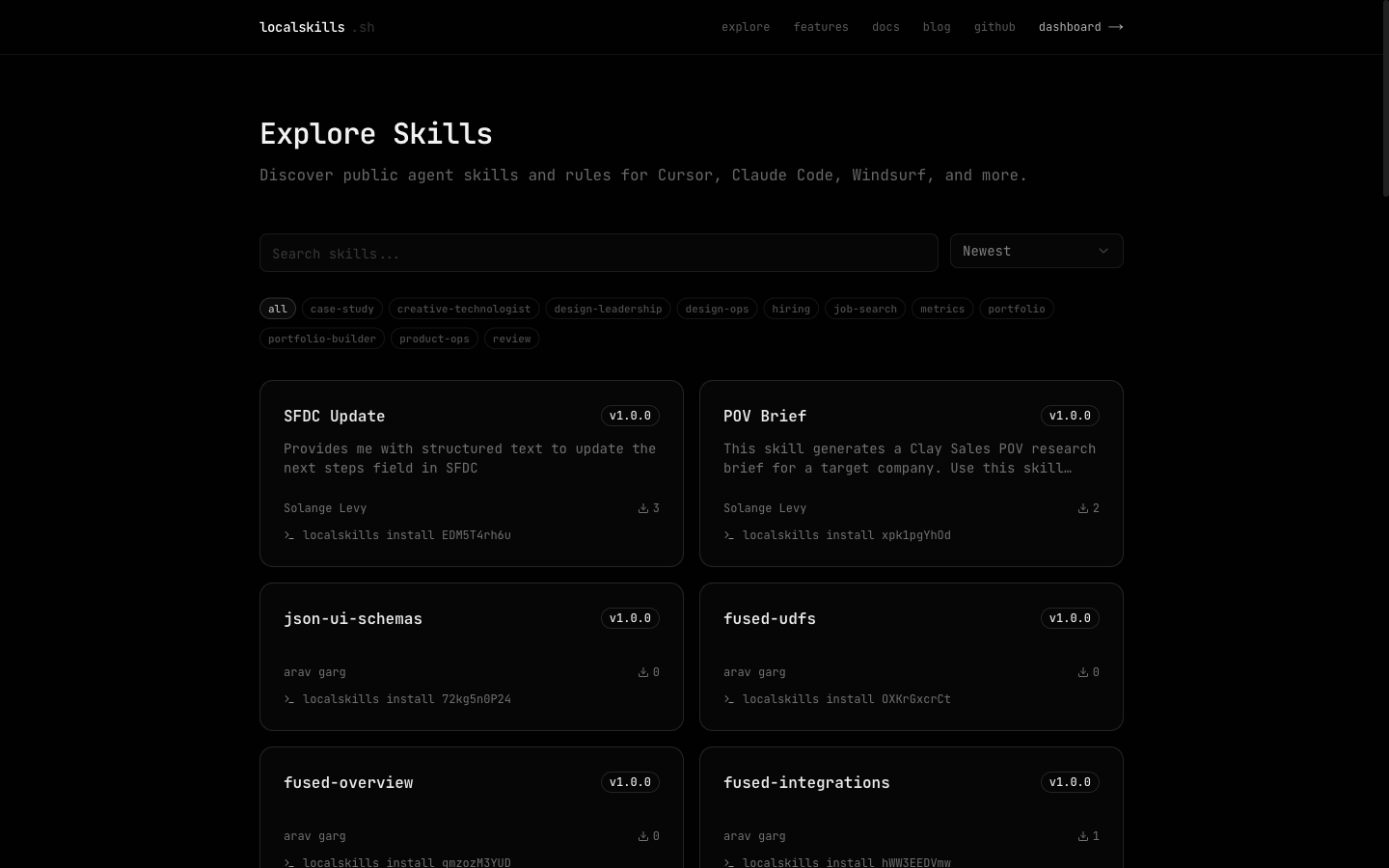
interactively, or explore the public catalog at localskills.sh/explore.
4. Publish your own
Publish a single file, or a whole skill folder (a directory with a SKILL.md
plus scripts and references) as a multi-file package:
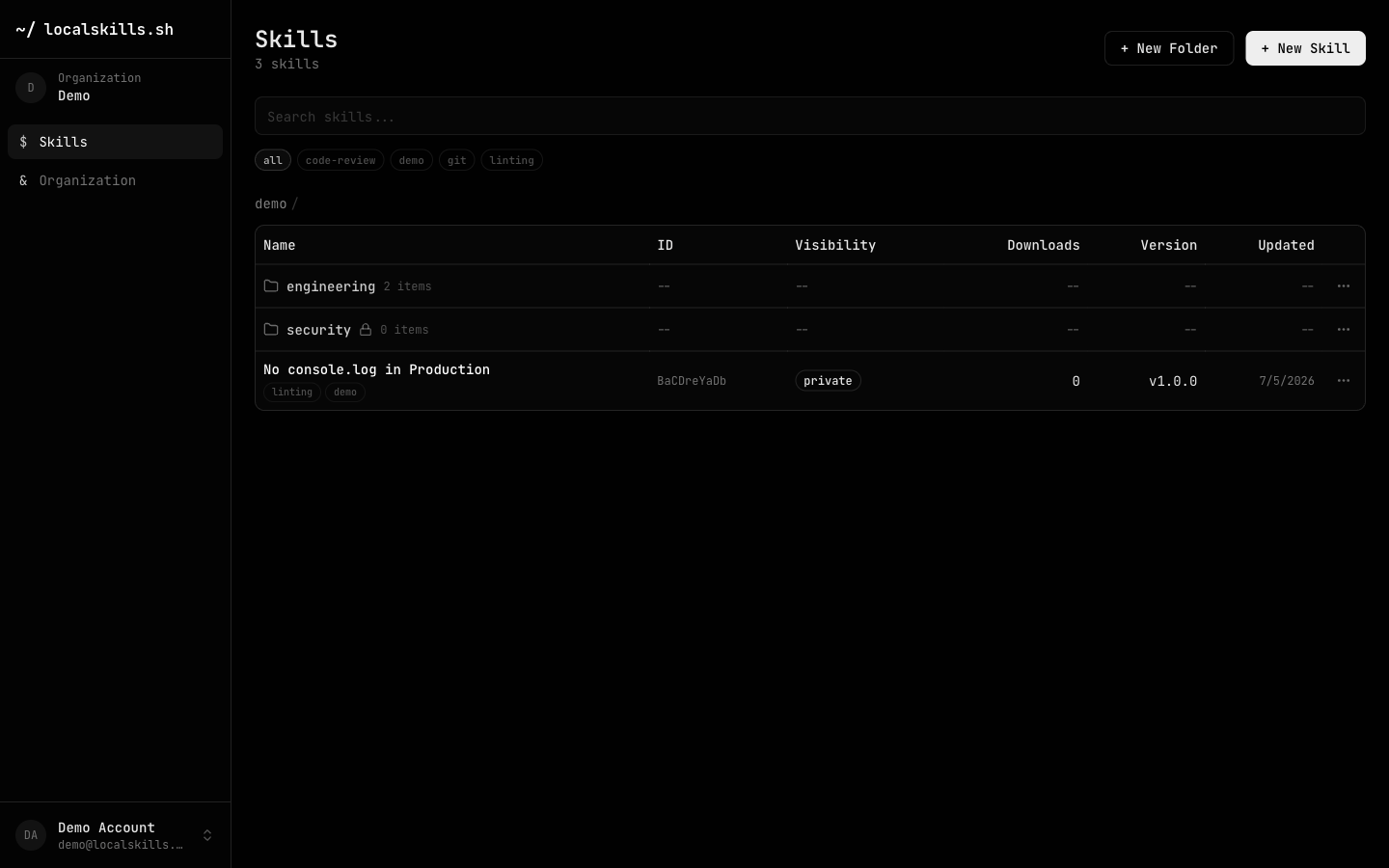
localskills publish .claude/skills/my-skill --visibility publicEvery publish creates a new version you can roll back from the dashboard. Skills default to private, visible only to your organization.
Where to next
Agents, not humans? Connect your AI agent straight to the platform with the MCP server; agents can search, read, and publish skills without leaving their workflow.
Working with a team? Organizations add folders with access control, teams, custom roles, SSO, SCIM, audit logs, and GitHub Sync. Start at Organizations & Teams.
Publishing from CI? Exchange your pipeline’s OIDC token for platform access with no stored secrets; see CI/CD & OIDC.