Skills are reusable agent instructions for AI coding tools. Rules are governance guidelines or coding standards. Both are versioned, organized into folders, and installable across eight platforms.
Types
A skill provides agent instructions, capabilities, or workflows, installed into your tool’s skill directory.
A rule provides governance guidelines or coding standards. On some
platforms, rules are placed in a separate directory (e.g. .claude/rules/).
Every skill is a SKILL.md package
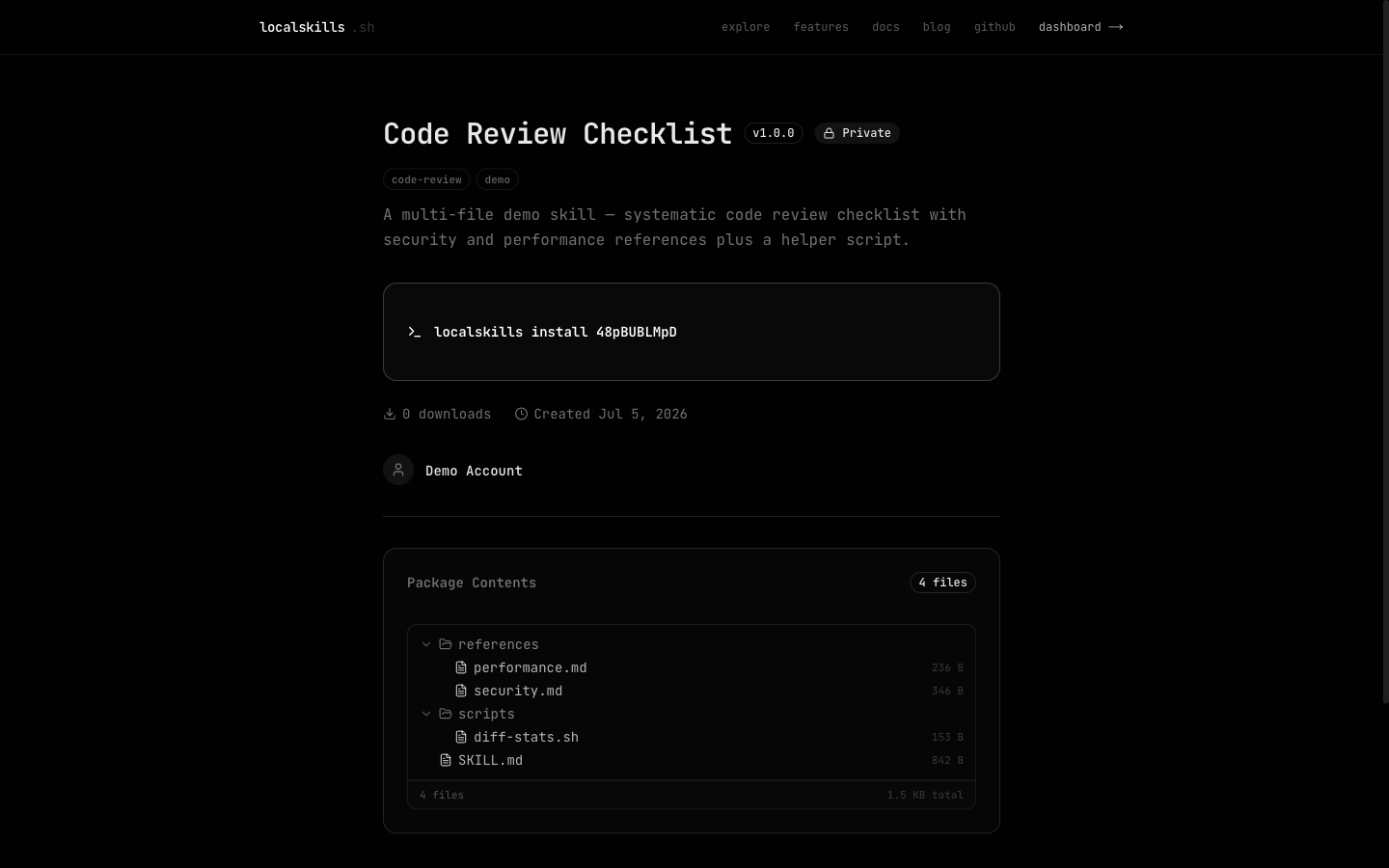
A skill is a folder with a SKILL.md at its root, plus optional scripts,
references, and assets. The SKILL.md is the skill’s content: its frontmatter
description: is what shows on the skill’s page and cards, and its body
renders as the page’s primary content.
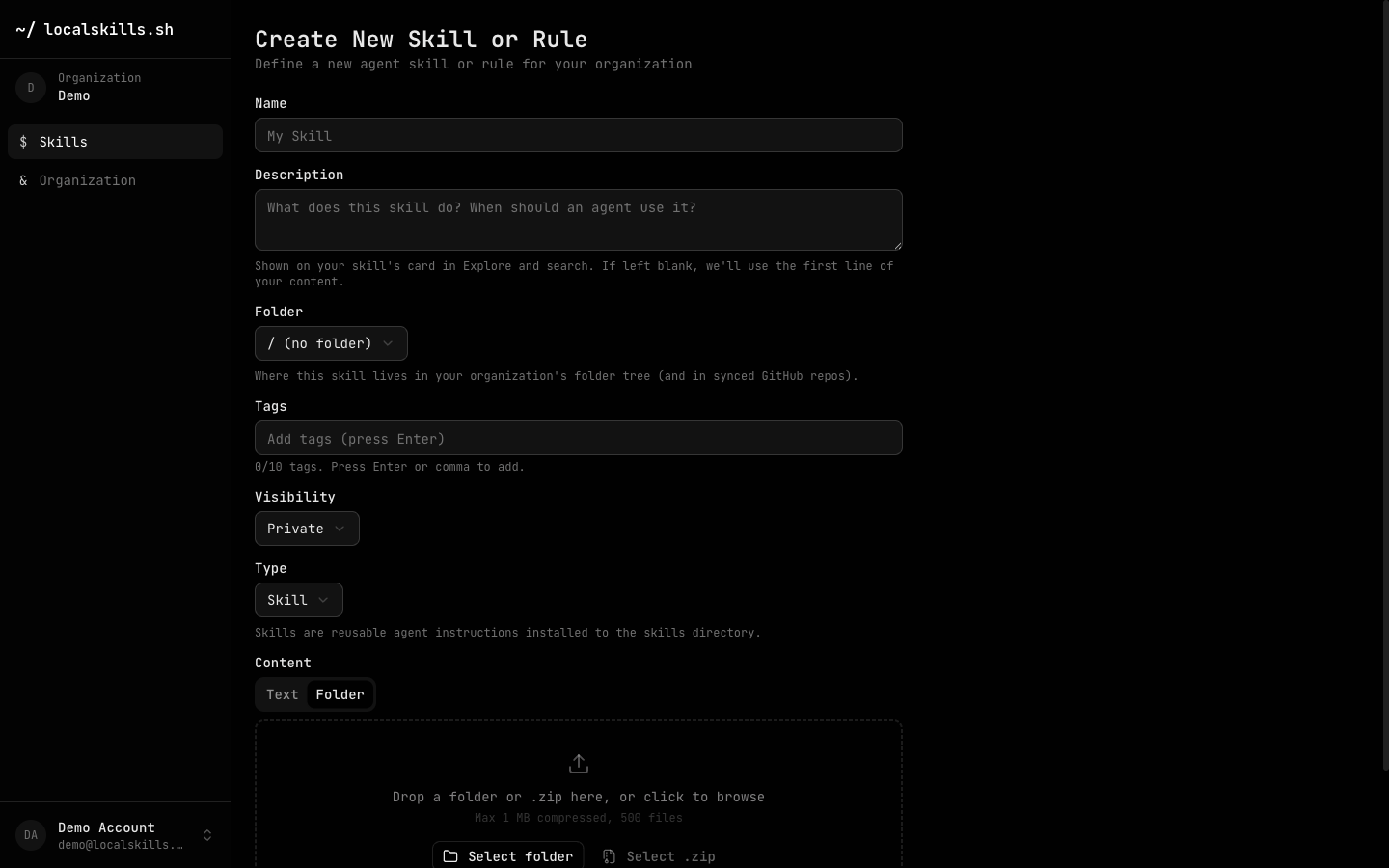
The simplest skill is just the one file: write it in the dashboard editor or
publish a Markdown file with the CLI. Multi-file skills are stored as a single
versioned archive and unpacked on install. Publish one by dragging a folder or
.zip onto the New Skill page, or with localskills publish path/to/folder.
Package limits: 100 MB compressed, 100 MB uncompressed, 500 files.
Visibility
| Level | Behavior |
|---|---|
| Public | Discoverable in search, profiles, and explore. Installable by anyone. |
| Private | Visible only to organization members. Requires authentication to install. |
| Unlisted | Accessible via direct link only. Not shown in search or profiles. |
Beyond visibility, private skills can be further scoped inside an organization with folder restrictions; see Folders & Access Control.
Versioning
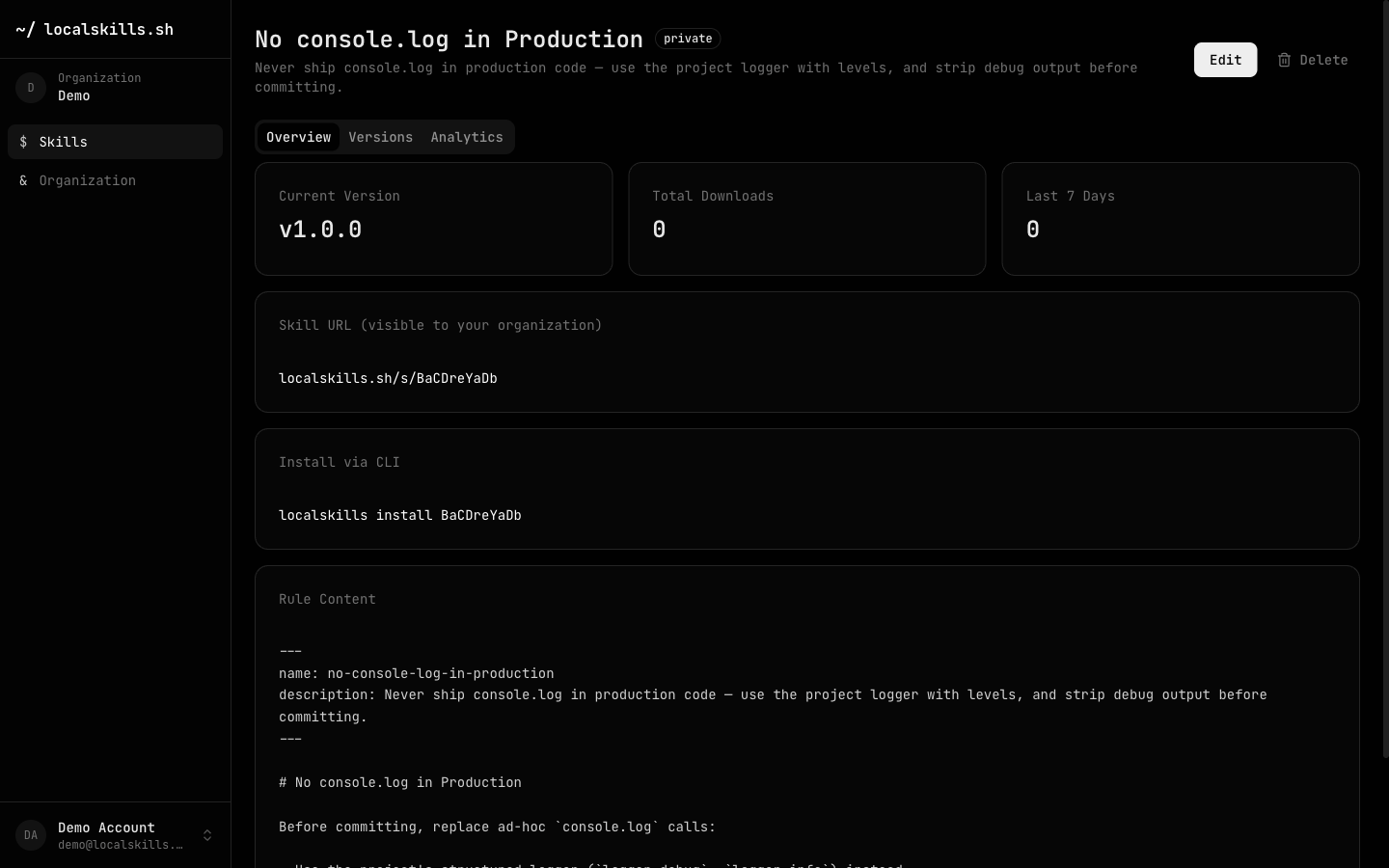
Every publish creates a new version with a semantic version label (e.g.
v1.2.0). Pushing an update bumps the patch version by default; the CLI and
API accept --minor, --major, or an explicit semver. Content is hashed with
SHA-256 so the CLI can detect whether an update is available.
The dashboard shows the full version history for each skill, and a role with the skill update permission can revert to any previous version with one click.
Running localskills pull compares the local content hash against the latest
version and updates only when they differ.
Author attribution
Every version records who published it, and the skill itself records its creator. The skill page shows the creator alongside a contributor strip (everyone who has published a version in the skill’s lineage), and the dashboard’s Versions tab lists the author of each version.
Authorship is provenance, not ownership: publishing rights come from roles and folder access controls, so in an open folder any member with the skill create permission can publish a new version onto an existing skill. Versions imported through GitHub Sync are attributed to the member who connected the repo, with the GitHub commit author preserved in the version message.
Supported platforms
| Platform | Project path | Scope | Method |
|---|---|---|---|
| Cursor | .cursor/rules/{slug}.mdc |
Global + project | Symlink |
| Claude Code | .claude/skills/{slug}/SKILL.md |
Global + project | Symlink |
| Codex CLI | AGENTS.md |
Global + project | Section |
| Windsurf | .windsurf/rules/{slug}.md |
Global + project | Section / symlink |
| Cline | .clinerules/{slug}.md |
Project only | Symlink |
| GitHub Copilot | .github/copilot-instructions.md |
Project only | Section |
| OpenCode | .opencode/rules/{slug}.md |
Global + project | Symlink |
| Flue | .agents/skills/{slug}/SKILL.md |
Project only | Copy |
| Aider (text skills only) | .aider/skills/{slug}.md |
Project only | Symlink |
The CLI auto-detects which tools are installed and pre-selects them during interactive installs.
Install methods
Symlink (default on macOS/Linux): creates a symbolic link from the target
location to the cached file in ~/.localskills/cache/. Pulling a new version
updates the cache, and all symlinks pick up the latest content automatically.
Copy (default on Windows): writes an independent copy of the skill content
into the target location. Running localskills pull re-writes the file with
updated content.
Section: embeds the skill in a shared file using marker comments:
<!-- localskills:start:{slug} -->
...skill content...
<!-- localskills:end:{slug} -->
Section-based installs are used for platforms that rely on a single shared file
(e.g. GitHub Copilot’s copilot-instructions.md or Codex CLI’s AGENTS.md).